August 4, 2026
Best Mobile Detailing Software in 2026: What Actually Matters (and What's Just Noise)
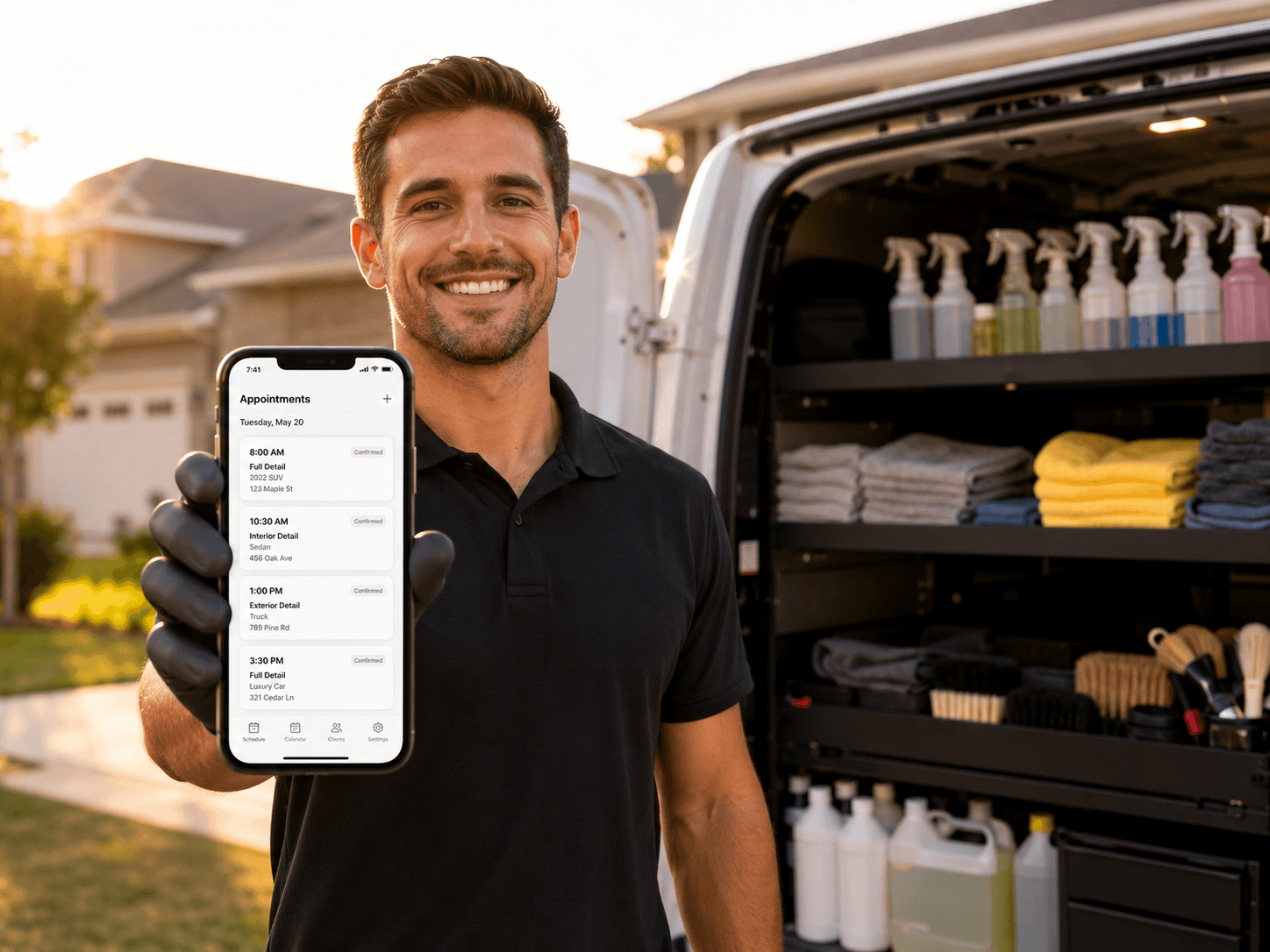
If you search "best mobile detailing software," you'll find a dozen articles — most of them written by the software companies themselves, and most of them crowning their own product #1. That's not a review. That's an ad.
So let's do this differently. Instead of ranking logos, this guide breaks down what mobile detailing software actually needs to do in 2026, how to tell a feature that makes you money from a feature that just looks good in a demo, and the questions to ask before you put your business on any platform — including ours.
Why mobile detailing software is different from "field service software"
Plenty of generic field service platforms will happily take your money. They were built for plumbers, HVAC techs, and lawn crews — and it shows. Mobile detailing has a workflow those tools weren't designed around:
You're quoting by vehicle, not by house. A sedan interior and a dog-hair-filled SUV are two very different jobs. Your software should price by vehicle type and condition, not a flat "service call."
Your calendar is your inventory. A shop can absorb a walk-in. You can't. Every empty slot on your route is unrecoverable revenue, which makes reminders, confirmations, and easy rebooking non-negotiable.
You work in driveways, not at a desk. If a feature can't be used one-handed from your phone between jobs, it effectively doesn't exist.
If a platform doesn't handle those three realities well, nothing else on its feature list matters.
The features that actually move revenue
1. Online booking that customers finish. Most detailers lose jobs not because customers say no, but because booking requires a phone call the customer never makes. Self-service booking — where a customer picks a vehicle type, sees real pricing, and grabs a real time slot — converts the 9 PM couch-scroller into a confirmed appointment while you sleep.
2. Automated SMS reminders and "on my way" texts. This is the single highest-ROI feature in the category. Automated appointment reminders dramatically cut no-shows, and an automatic "on my way" text does something subtler: it makes a one-person operation feel like a professional company. Customers remember that. Text messages get read within minutes; emails don't.
3. Deposits at booking. A customer with $30 on the line shows up. A customer with nothing on the line "forgot." Software that collects a deposit during booking quietly solves the no-show problem before it starts.
4. Route-aware scheduling. Drive time is the silent killer of mobile detailing margins. Two jobs 40 minutes apart can erase the profit on both. Good software helps you cluster jobs by area so Tuesday means one neighborhood, not a tour of the whole county.
5. Recurring appointments and maintenance plans. The most profitable detailing businesses aren't chasing new customers every week — they're rebooking the same ones on a monthly cycle. If your software can't put a customer on a repeating schedule with automatic reminders, you're leaving your most valuable revenue stream to memory and luck.
6. Simple invoicing and payment links. The job should end with a payment link the customer taps in the driveway — not an invoice you type up at 10 PM.
The features that sound great and rarely get used
Be honest with yourself about these before you pay for them:
Deep analytics dashboards. A solo operator needs to know three numbers: jobs booked, average ticket, and repeat rate. Forty charts won't change how you polish a hood.
AI everything. Some AI features are genuinely useful; many are demo candy. Ask the vendor to show you exactly what the AI does on a real job, not a slide.
Enterprise integrations you'll never connect. If you don't use the tool it integrates with, the integration is worth nothing.
The pattern: features that touch the customer (booking, reminders, payments) make money. Features that only you look at usually don't.
What software should cost in 2026
Entry pricing across the industry generally starts around $30/month for solo operators and climbs steeply — some platforms run several hundred dollars a month once you add users and unlock the features you actually wanted. Two rules of thumb:
One booked job should cover the subscription. If your average ticket is $175 and the software costs less than that per month, a single saved no-show or one extra booking pays for it.
Watch for feature-gating. The most common trick in this category is putting the essentials — reminders, deposits, recurring bookings — on the expensive tier. Read the plan comparison table before you read the marketing page.
Questions to ask before you commit
Can my customers book and pay without calling me?
Are SMS reminders and confirmations included, or an add-on?
Can I take deposits at booking?
Can I set up recurring monthly appointments?
Does it work fully from my phone, in a driveway, on one bar of signal?
What happens to my customer list if I leave?
That last one matters more than people think. Your customer database is your business. Any platform that makes it hard to export is telling you something.
Where DetailRoam fits
DetailRoam was built specifically for mobile detailers — not adapted from lawn-care software with the icons swapped. Online booking, automated SMS appointment reminders, "on my way" notifications, deposits, and recurring scheduling are the core of the product, not upsells. If those are the features on your shortlist, you can see how DetailRoam handles them and decide for yourself.
Whatever platform you choose, choose it on the workflow above. The best mobile detailing software in 2026 isn't the one with the longest feature list — it's the one your customers never notice because booking, reminders, and payment simply worked.