November 9, 2026
Detailing Text Message Templates: 30 Texts You Can Copy for Every Stage of a Job
Your customers live in their text messages. They ignore voicemails, skim emails and forget phone calls, but they read a text within minutes. For a mobile detailer, that makes texting the best way to win leads, cut no shows, get paid faster and keep customers coming back.
The problem is time. Typing a thoughtful message twenty times a day adds up, and the texts you send when you are tired are rarely your best. Below are 30 templates you can copy, adjust to your voice and save. Replace anything in brackets with your own details.
A few rules before you hit send
Start with your business name. Customers should know who is texting before they finish the first line.
Keep it short. A standard text is 160 characters. Longer messages get split and can cost more to send in bulk.
Get permission. Texting about a job a customer booked is different from sending promotions. Marketing texts generally need the customer's clear written consent, and every marketing message should explain how to opt out, such as replying STOP.
Mind the clock. Send promotional texts during normal daytime hours, roughly 8 AM to 8 PM in the customer's time zone, and check your state's rules, since some are stricter.
Sound like a person. Plain words beat exclamation points and all caps every time.
Replying to new leads
Speed wins here. The first detailer to reply with a clear answer usually gets the job.
1. First reply to an inquiry
Hi [First name], this is [Business]. Thanks for reaching out! What kind of vehicle is it, and are you thinking interior, exterior or a full detail?
2. Missed call follow up
Hi, this is [Business]. Sorry I missed your call, I was with a customer. How can I help? You can also book a time here: [booking link]
3. After hours reply
Thanks for your message! This is [Business]. I am off for the night but will reply first thing tomorrow. If you want to grab a spot now: [booking link]
Quotes and follow ups
4. Sending a quote
Hi [First name], here is your quote for the [service] on your [vehicle]: [price]. It includes [short list]. Want me to hold a time for you this week?
5. Quote follow up
Hi [First name], just checking in on the quote for your [vehicle]. I have openings on [day] and [day] if either works for you.
6. Last follow up
Hi [First name], I will close out your quote for now so it does not clutter your texts. If you want to book later, here is my link: [booking link]
Booking and confirmation
7. Booking received
[Business]: Thanks [First name]! I got your booking for [day] at [time]. I will confirm shortly.
8. Booking confirmed
[Business]: You are confirmed for [day] at [time] for your [vehicle]. Reply here if anything changes.
9. Deposit request
[Business]: To lock in [day] at [time], a [amount] deposit is due here: [payment link]. It goes toward your total.
Reminders
10. Day before reminder
[Business]: Reminder, your [vehicle] detail is tomorrow at [time]. Need to change it? [link]
11. Prep reminder
[Business]: For tomorrow, please clear out personal items and let me know if I can use a water spigot and outlet. See you at [time]!
12. Morning of reminder
[Business]: See you today at [time] at [address]. Just reply here if you need anything before I arrive.
The day of the job
13. On my way
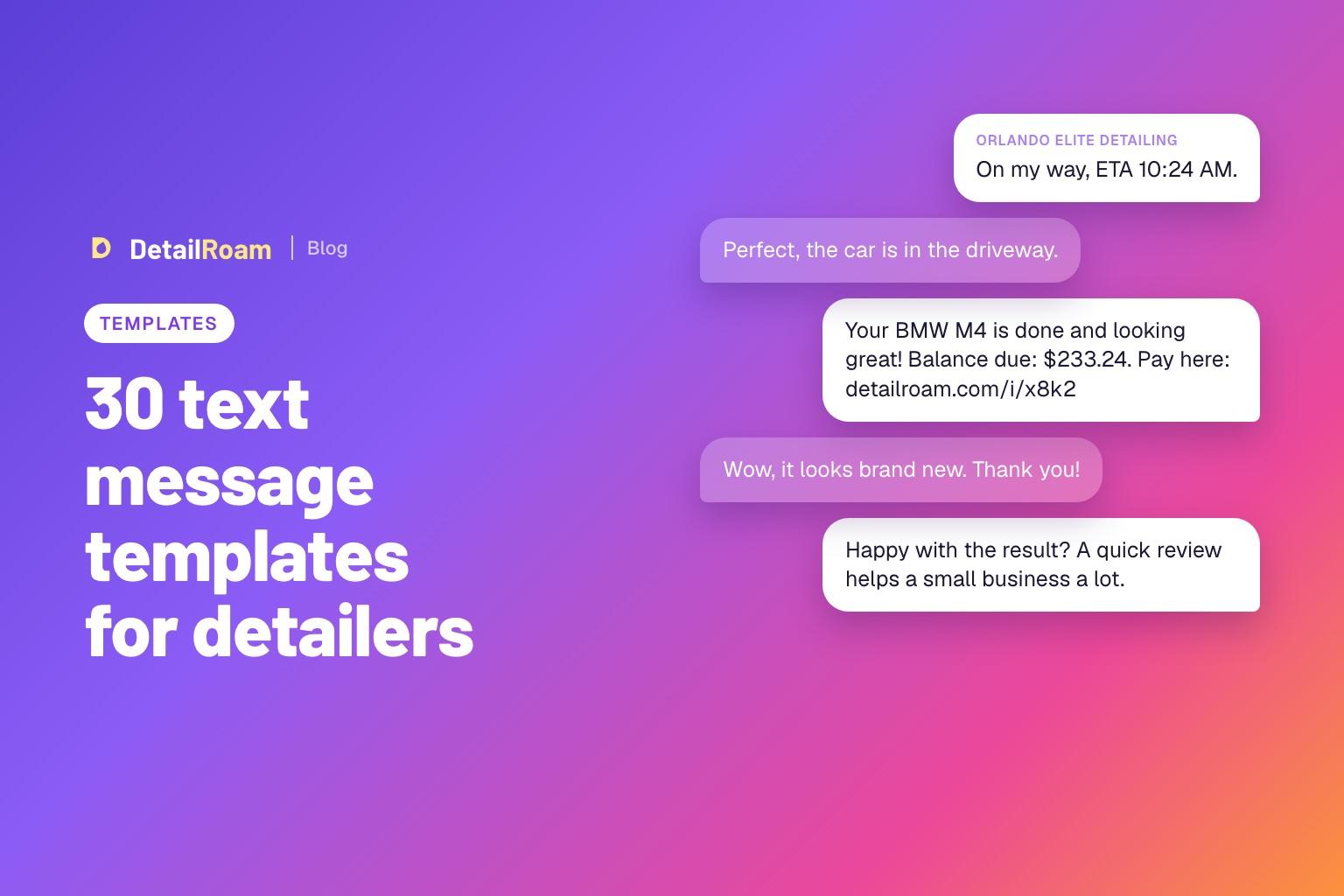
[Business]: I am on my way, ETA [time].
14. Running late
[Business]: Hi [First name], my last job ran long. I am about [minutes] minutes behind and will be there by [time]. Sorry about that.
15. Arrived
[Business]: I am here and getting set up. No need to come out unless you want to walk the car with me.
16. Need access
[Business]: I am here but the car is locked. Could you leave the keys out or meet me outside when you have a minute?
Weather and schedule changes
17. Weather reschedule
[Business]: Hi [First name], rain is moving in for [day]. Can I move your detail to [new day] at [time]? Reply yes and I will update it.
18. Rescheduled
[Business]: Your [vehicle] detail is now [day] at [time]. Details or changes: [link]
19. Cancellation confirmed
[Business]: Your detail on [day] at [time] has been cancelled. Whenever you are ready to rebook: [booking link]
Payment
20. Job finished
[Business]: Your [vehicle] is done and looking great! Balance due: [amount]. Pay here: [payment link]
21. Payment received
[Business]: Thanks [First name]! We received your payment of [amount].
22. Friendly balance reminder
[Business]: Hi [First name], just a reminder that [amount] is still open for your detail on [date]. You can pay here: [payment link]
After the job
23. Thank you
[Business]: Thanks again for having me out today, [First name]. Let me know if anything looks off in the next day or two and I will make it right.
24. Review request
[Business]: Happy with your [vehicle]? A quick review helps a small business a lot: [review link]
25. Problem check
[Business]: Hi [First name], how is the car holding up after [day]? If anything needs a touch up, just reply here.
Rebooking and repeat customers
26. Due for the next detail
[Business]: Hi [First name], your [vehicle] is due for its next detail. Grab a time that works: [booking link]
27. Maintenance plan offer
[Business]: Want your car to stay this clean? I offer a maintenance wash every [weeks] weeks for [price]. Want me to set it up?
28. Coating maintenance
[Business]: Your ceramic coating is due for its maintenance wash. It keeps the coating performing and your warranty valid. Book here: [booking link]
Win backs and referrals
29. Win back
[Business]: Hi [First name], it has been a while! I have openings next week if your [vehicle] needs some love. [booking link] Reply STOP to opt out.
30. Referral ask
[Business]: Thanks for being a great customer, [First name]. Send a friend my way and you both get [reward] off your next detail. Reply STOP to opt out.
Notice that the last two templates include opt out language. They are promotional, so they should only go to customers who agreed to receive marketing texts.
Let the routine texts send themselves
Templates save time, but the biggest win is not having to send most of these at all. Confirmations, reminders, on my way messages, payment links, receipts, review requests and rebooking texts follow the same pattern on every job, which makes them perfect to automate.
In DetailRoam, every one of those goes out automatically at the right moment, under your business name. You can turn each text on or off, rewrite the wording in your own voice with a live preview and a counter that keeps it to a single text, and write a separate Spanish version for Spanish speaking customers. Replies land in one inbox next to the customer's job. For more on cutting cancellations, read our guide on how SMS reminders stop no shows.
Frequently asked questions
What should I text a customer before a detail?
Send a confirmation when they book, a reminder the day before with a way to reschedule, and an on my way text with your arrival time on the day of the job. A short prep reminder about clearing personal items and water or power access helps too.
Can I send promotional texts to my detailing customers?
Generally only to customers who gave clear written consent to receive marketing texts. Include your business name and opt out instructions, send during normal daytime hours, and check your state's rules. Texts about a job the customer booked are treated differently from promotions.
How long should a text message to a customer be?
Aim for 160 characters or less, the length of a single standard text. Shorter texts are easier to read on a phone and cheaper to send in volume.
Should detailers automate text messages?
Automating routine texts like confirmations, reminders, payment links and review requests saves time and makes sure no customer gets skipped on a busy day. Keep personal replies for questions, quotes and problems.